You don't call your parents every day.
Scammers do.
KindWatch shows you what's happening on your parent's phone — so you'll catch what they won't.

Your parent won't spot the scam. KindWatch will.
Call blocking doesn't work — scammers use messaging apps and unknown numbers. KindWatch monitors what already happens on their phone.
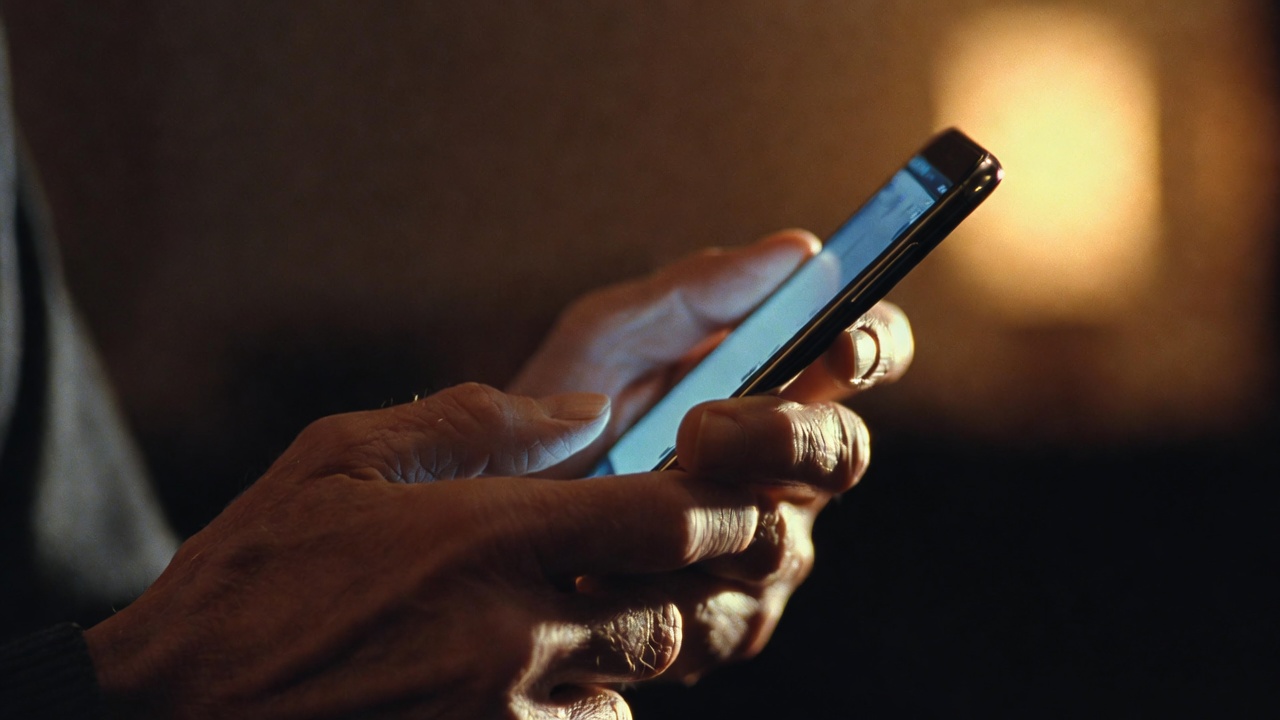
Scam Detection
AI monitors call patterns and notifications for signs of financial exploitation — repeated unknown callers, suspicious messages, unusual activity. You'll know before money is lost.
Weekly AI Report
A plain-English summary of what happened on your parent's phone this week. Who called, what's normal, what's not — including any scam exposure. Delivered to your inbox every Sunday.
Passive Check-Ins
Every phone unlock counts as a check-in. If their phone sits untouched past your set time, you get an alert. No buttons to tap, no reminders to ignore.

How it works
Install it during your next visit
Set up the Android app on your parent's phone in a few minutes. Once it's running, they never need to touch it again.
KindWatch screens every call and notification
AI analyzes call patterns and message previews for scam signals—repeated unknown callers, urgency tactics, financial exploitation patterns. Your parent doesn't change a thing.
You get alerted before money is lost
Instant alerts when scam patterns are detected, plus a weekly AI report on their phone activity. You'll know what's happening without having to ask.
Built with your parent's dignity in mind
Monitoring shouldn't mean spying. Here's how we keep it honest.

Your parent knows
Visible notification on their phone at all times. This isn't hidden surveillance — it's a family safety net you set up together.
We don't collect what you'd worry about
No call recordings. No photos. No texts. No browsing history. No GPS tracking. Just phone activity patterns like unlock times and call metadata.
Your data stays yours
Encrypted in transit, never sold, never shared with third parties. Delete your account and everything goes with it.
Open about permissions
We need Android accessibility and notification access. We explain exactly why, and Google reviews us for it.
Common questions
Does my parent have to agree to this?
Yes. KindWatch shows a persistent notification on their phone so they always know it's running. It's designed to be set up with your parent, not behind their back.
What exactly can you see?
When they use their phone, who calls (number only, not content), and notification previews. We never record calls, read messages, or track location.
What if I want to delete everything?
You can delete your account and all data at any time from the dashboard. We also honor deletion requests by email.
Is this just for Android?
Yes, for now. iOS doesn't allow the background monitoring needed for passive check-ins.
Does it slow down their phone?
No. It runs as a lightweight background service. Battery impact is minimal — less than most social media apps.


Get early access
We're launching soon. Join the waitlist and be the first to protect your parent.
From the blog
How to Check on Your Elderly Parent Living Alone
Practical ways to stay connected and know your parent is safe, from phone calls to passive monitoring apps.
How to Protect Your Elderly Parent from Phone Scams
Why education alone doesn't work, and what actually does to keep your parent safe from phone fraud.